How do you standardise event tech without identical events?

Several teams in your organisation run events, but everyone works slightly differently. How do you create a consistent way of working while giving teams the freedom to organise their own events?
You may recognise the situation: one department has its own registration process, another uses a different template. Data is collected in different ways and the same technical decisions are made again for each new event. This also makes management more complicated.
That is where standardisation comes in. It does not mean organising all your events in the same way. A conference is different from a customer day, and an internal event needs something different from an exclusive executive event.
Good event technology gives teams freedom within a controlled framework.
1. Why standardisation does not mean making everything identical
Standardisation does not mean that every event gets the same website, attendee journey or appearance. It means your organisation no longer has to decide from scratch how to set up the technical foundation.
Agree organisation-wide standards for data, integrations, security, user permissions, templates and reporting. Within those standards, teams retain the freedom to configure their events in a way that fits their audience and objectives.
Set these elements up centrally so your teams do not spend time at every event designing a sound foundation.
What would otherwise require manual customisation becomes part of a repeatable event process.
The foundation is clear, while there is still room to add extra support for individual events when needed.
Your event standards remain current and become increasingly aligned with practical needs.
2. What you should standardise centrally
A good standard starts with elements that recur across many events. For example:
- Templates and blueprints
- Registration and communication
- Integrations and reporting
- Roles and user permissions
- Security and privacy
Set these elements up centrally so your teams do not have to spend time designing a sound foundation for every event.
An additional benefit: it becomes easier to maintain consistent quality, data and management across the organisation.
3. Where events need room for customisation
The technical foundation may largely stay the same, but the event itself does not have to. A conference involves different tracks, time slots and waiting lists. A customer event may need more personal communication and a programme that differs for each attendee.
Audiences, visual identities and complexity often vary too. A good event technology environment needs to handle those differences. Decide in advance which elements are fixed and where your teams can make their own choices.
4. Blueprints and templates as building blocks for your event
A blueprint or template is especially valuable when it removes recurring decisions. Think of a fixed foundation for registration, communication, event pages and reporting. Your teams can use that foundation and adapt it where necessary.
This prevents every event manager from having to work out the technical setup again. An event with its own identity, audience or attendee journey can depart from the template when needed.
5. Personalisation through segments and automation
Standardisation behind the scenes makes more personalisation possible for attendees. Suppose marketing has defined different audience groups in advance. With a well-configured connection between systems, attendees are automatically assigned to a segment based on form data or CRM information, for example.
You can then use those segments to:
- Show different sessions
- Send targeted communication
- Create personal programmes
What would otherwise require manual customisation becomes part of a repeatable event process.
6. Central governance, training and user permissions
As more teams use the same event technology, effective management becomes increasingly important. Not everyone needs access to every setting.
Make it clear who is responsible for templates, integrations, data logic and user permissions. Teams can then create their events independently within those boundaries.
Training plays an important role. Key users who understand the environment can resolve many issues themselves and help colleagues get started.
User permissions can also reflect roles and event types. Someone creating simple internal events does not need the same capabilities as someone managing complex conferences.
7. Make integrations part of the architecture
Once your teams use the same event technology, integrations, data and security become important parts of the architecture.
You should not have to redesign a CRM connection, identity management or data flow for every event. The same applies to privacy, access management and reporting.
Designing these elements centrally prevents teams from creating their own temporary solutions. The same principle applies to hardware and on-site services, where clear frameworks also help.
8. Standardise services with flexible packages
Not every event needs the same amount of support. A simple internal event can largely be configured independently. A major conference may require additional technical setup, on-site support or specialist guidance.
Agree service packages or hours for each event category in advance.
The foundation is then clear, while additional support can be added for individual events when needed.
This makes capacity and budgets more predictable without giving every event the same service level.
9. Continuous improvement through quarterly meetings and feedback
Standardisation needs attention. Regularly review what works well and where teams encounter difficulties.
Use a quarterly meeting to discuss adoption, bottlenecks, feedback and desired improvements. Also make it easy for users to share personal feedback between meetings.
Your event standards remain current and become increasingly aligned with practical needs.
10. What does this deliver in practice?
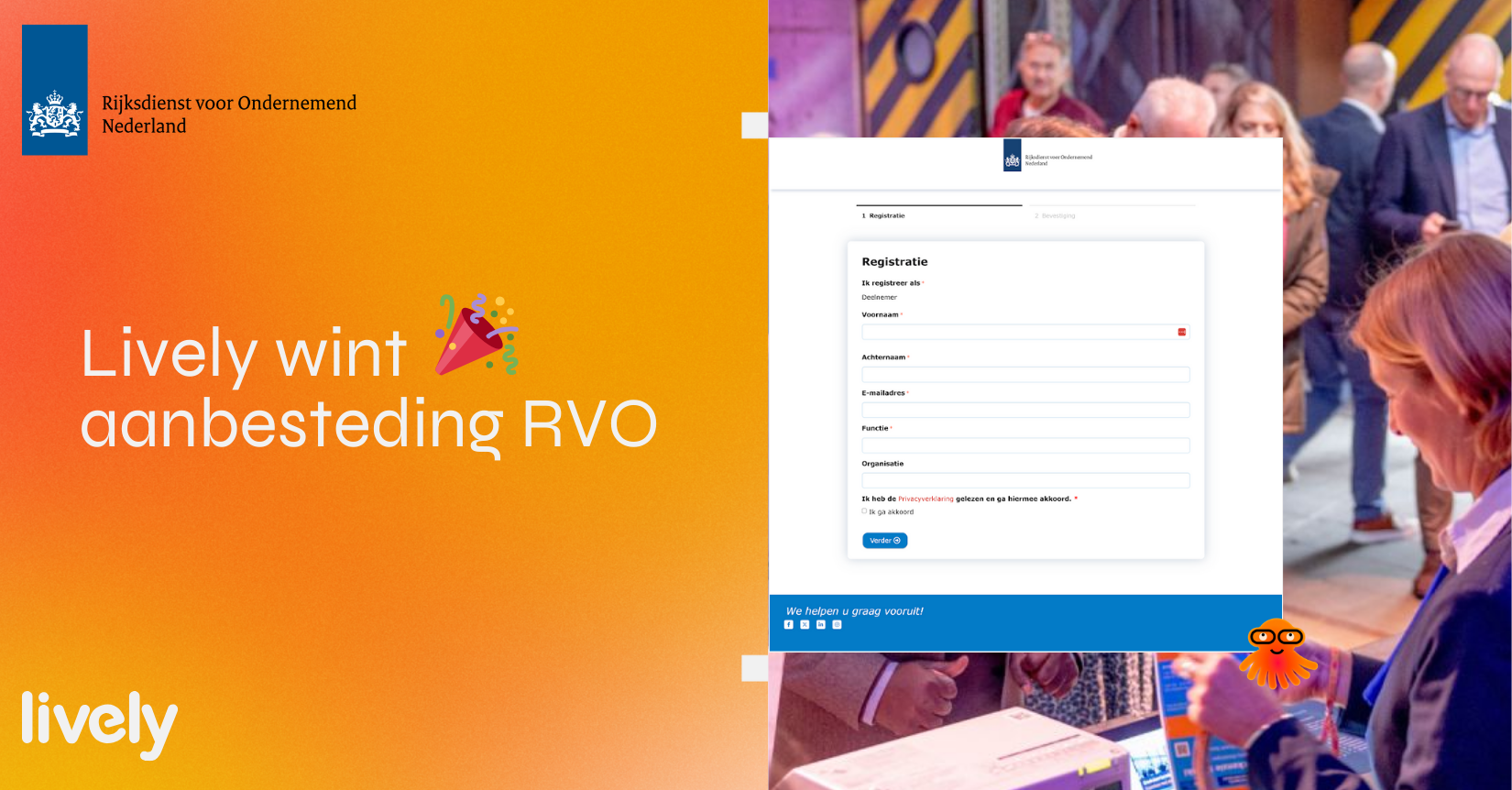
The collaboration with RVO is a good example. The organisation used standardised templates for event websites, registration and communication. Clear agreements also covered user permissions, training, reporting and data retention.
This allowed simple events to be organised as independently as possible. Support remained available for more complex questions or extra capacity.
In the first full quarter after implementation, 44 events were delivered. Only a small proportion required additional support.
By organising the technical foundation centrally and giving teams freedom within clear boundaries, you combine control with flexibility.
Discuss your event technology stack with Lively.
More Trends, developments and news