Choosing event software for small events and large conferences
Short answer
Does your organisation run both small gatherings and major conferences? Choose an event platform that makes recurring processes easy to reuse while allowing for more complex registration, sessions and delivery. Swoogo is a suitable central foundation when you want to bring together registration, event websites, attendee communication and event data across multiple events. Lively helps with configuration, integrations, training and on-site support.
Your choice depends on your entire event programme: how often you organise events, which processes recur, how many colleagues use the platform and what needs to happen at the busiest moments. For an occasional gathering requiring only a simple form, a smaller solution may be sufficient. Add specialist software when a specific need justifies it.
Assess your entire event year
A small event should require little administration. A conference also needs control over audience groups, session choices, changes and visitor flows. Attendee numbers matter, but they do not tell the whole story. An invitation-only gathering with several invitation routes may require more complex registration than a larger event with a single ticket type.
Map three things in advance: recurring formats, exceptions for each event and the systems that need to retain their role. The following situations are illustrative examples, not customer results.
- A monthly knowledge-sharing session, for example with 40 attendees — What should remain simple? Copying a template, changing the date and content, and checking registration and emails. What should you test? Can a trained colleague do this without specialist help? Which old settings are copied?
- An annual conference, for example with 800 attendees and parallel sessions — What should remain simple? Using the same core data and branding, with additional registration routes and session choices. What should you test? Capacity limits, changes, badges and check-in during the expected arrival peak.
- Several teams running an ongoing event programme — What should remain simple? Reusing formats and defining each team's responsibilities. What should you test? Who can see or change which data and settings? Are reports comparable across events?
What belongs in the central foundation?
Swoogo lets you configure registration, event websites, communication and attendee management within a shared event environment. Reusable formats help standardise recurring work. When copying an event, however, check which data, settings and texts should carry over to the next one.
The main design decision is where each piece of information is recorded. A registration type may determine which questions someone sees. A session choice may be needed in a confirmation or attendee overview. If a company name changes, the change should also reach the badge when that connection is part of the setup. Define which system is authoritative for each data point and how changes are processed.
This does not mean every system automatically shares one database. An app, badge solution or CRM may receive data through an integration. Check which data is exchanged, in which direction and how quickly. Read more about event registration as the foundation of your event process.
When should you add specialist software?
Start by asking what your attendees and team need. A programme with a few sessions needs a different setup from a conference with abstract submissions, external reviewers and extensive speaker workflows.
- Registration, event website, emails and attendee management — Logical setup: Swoogo as the central foundation. Consideration: test the most difficult registration route and the simplest recurring format.
- Check-in and badges — Logical setup: a configuration connected to current registration data. Consideration: software, printers, network, staff and exception handling together determine throughput.
- Advanced matchmaking or meeting programmes — Logical setup: an additional solution such as Grip when the need justifies it. Consideration: extra functionality also requires configuration, synchronisation and attendee communication.
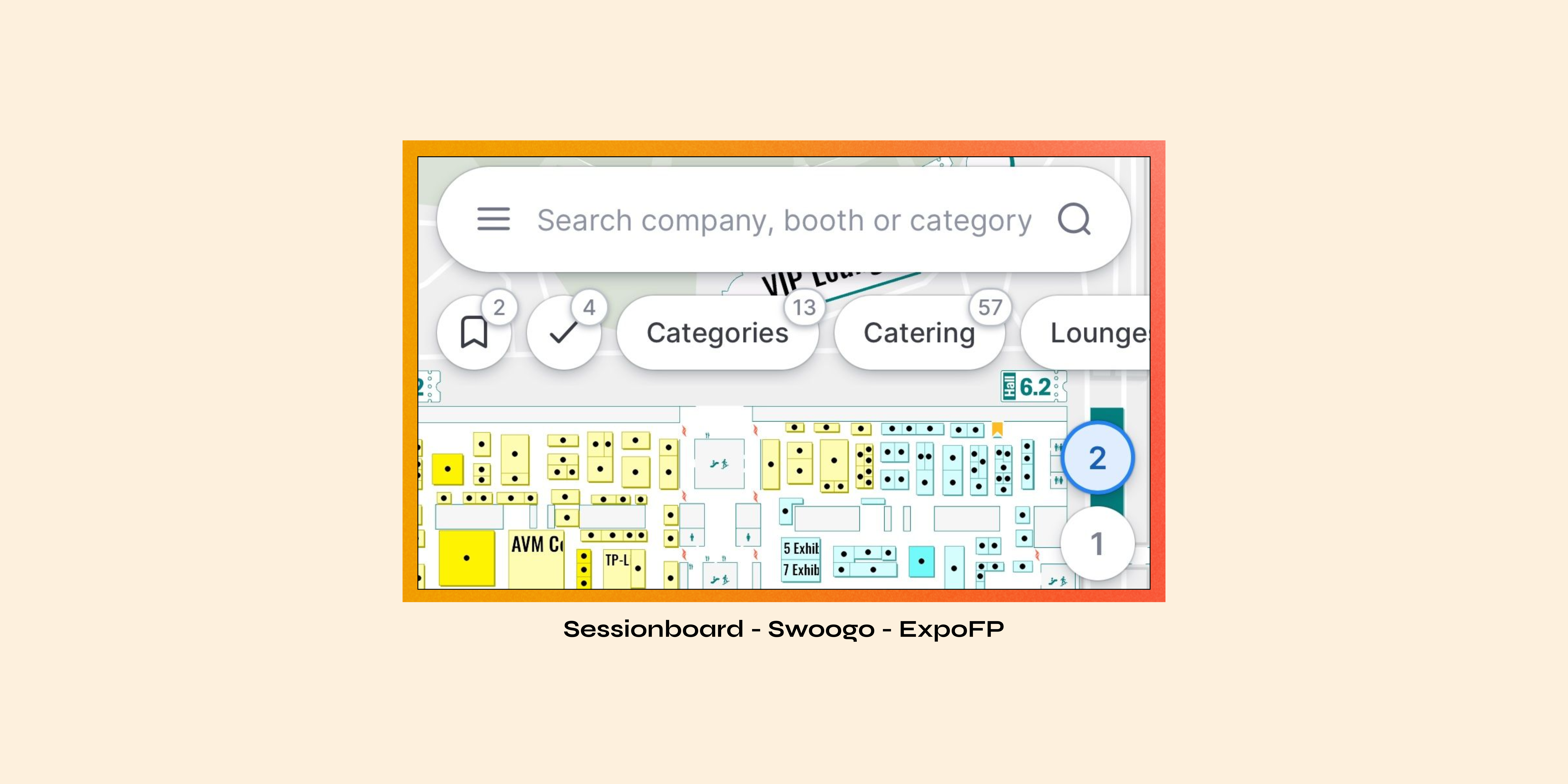
- Abstracts, reviews and extensive speaker processes — Logical setup: a specialist layer such as Sessionboard where needed. Consideration: define where session information is managed and how changes are transferred.
- A substantial exhibitor process — Logical setup: an additional solution such as FFAIR where appropriate. Consideration: define which exhibitor, order and attendee data needs to be connected.
These components play different roles. Assess a central registration environment using different criteria from those for a matchmaking or exhibitor solution. Our page on event software and implementation provides more context.
Test three scenarios before you choose
Ask a supplier to demonstrate your own processes. Agree in advance what counts as a successful trial so you can compare solutions against the same tasks.
1. A small event built from an existing format
Ask a future user to copy and adapt an event. Record the steps, time and support required. Check the form, confirmation, date, cancellation route and old links. The aim is to understand how much work the next edition actually requires.
2. A conference with an arrival peak
Test session selections and changes, but also arrival without a QR code, a duplicate registration and a mistake on a badge. Use an arrival profile that fits your conference. Example calculation: if you expect 300 visitors in 30 minutes, the entire setup needs to process an average of 10 visitors per minute, with room for temporary peaks and exceptions. This is a design requirement to test, not a guaranteed software speed.
Measure processing time, reprints and manual corrections. Also test the agreed procedure for network or printer problems. A good registration platform does not remove the need for enough desks, clear routing and trained staff.
3. Data flowing to your CRM and follow-up
Use test records for a new contact, an existing contact, a cancellation and an attendee who was present. Check that registration and attendance are processed as different statuses. Agree which identifier helps prevent duplicate records, which fields are authoritative and who resolves errors.
Ask what an existing integration already supports and what requires additional configuration. The existence of an API does not prove that your intended process is fully configured. Also check whether session attendance is actually measured: selecting a session is not proof of attending it.
Compare the total costs of your event programme
Request proposals based on the same event mix and service level. Alongside the software licence, include these costs:
- Implementation: templates, registration flows, emails, reports and training.
- Integrations: configuration, testing, maintenance and resolving synchronisation errors.
- Delivery: hardware, consumables, transport, installation and on-site support.
- Internal effort: event management, checks, changes and onboarding colleagues.
- Additions: specialist software and any fees for payments or extra services.
Ask suppliers to make their licence terms, included users, options and exclusions explicit. A fixed licence is not automatically better value: usage and the amount of service required also determine what is appropriate. Reuse can simplify management, but it only delivers benefits if your team can work with the chosen formats.
From selection to a working setup
- Agree on data and ownership. Define standard fields, statuses, reporting questions and who may make changes. Involve IT and privacy colleagues in your specific requirements for processing, access and retention periods.
- Build a representative first format. Choose an event that lets you test the main registration and communication routes.
- Test integrations and exceptions. Include cancellations, corrections and outages. Record who receives and resolves notifications.
- Train the team and document ways of working. Define what is managed centrally and what colleagues can adapt for each event.
- Expand in a controlled way. Use what you learn for the conference format and additional teams. Plan checks on templates, data quality and support agreements.
The timeline depends on your formats, integrations, internal decisions and available people. Ask for a schedule with specific dependencies. Lively supports Swoogo implementation, training and support.
A practical example: RVO chooses a broader event approach
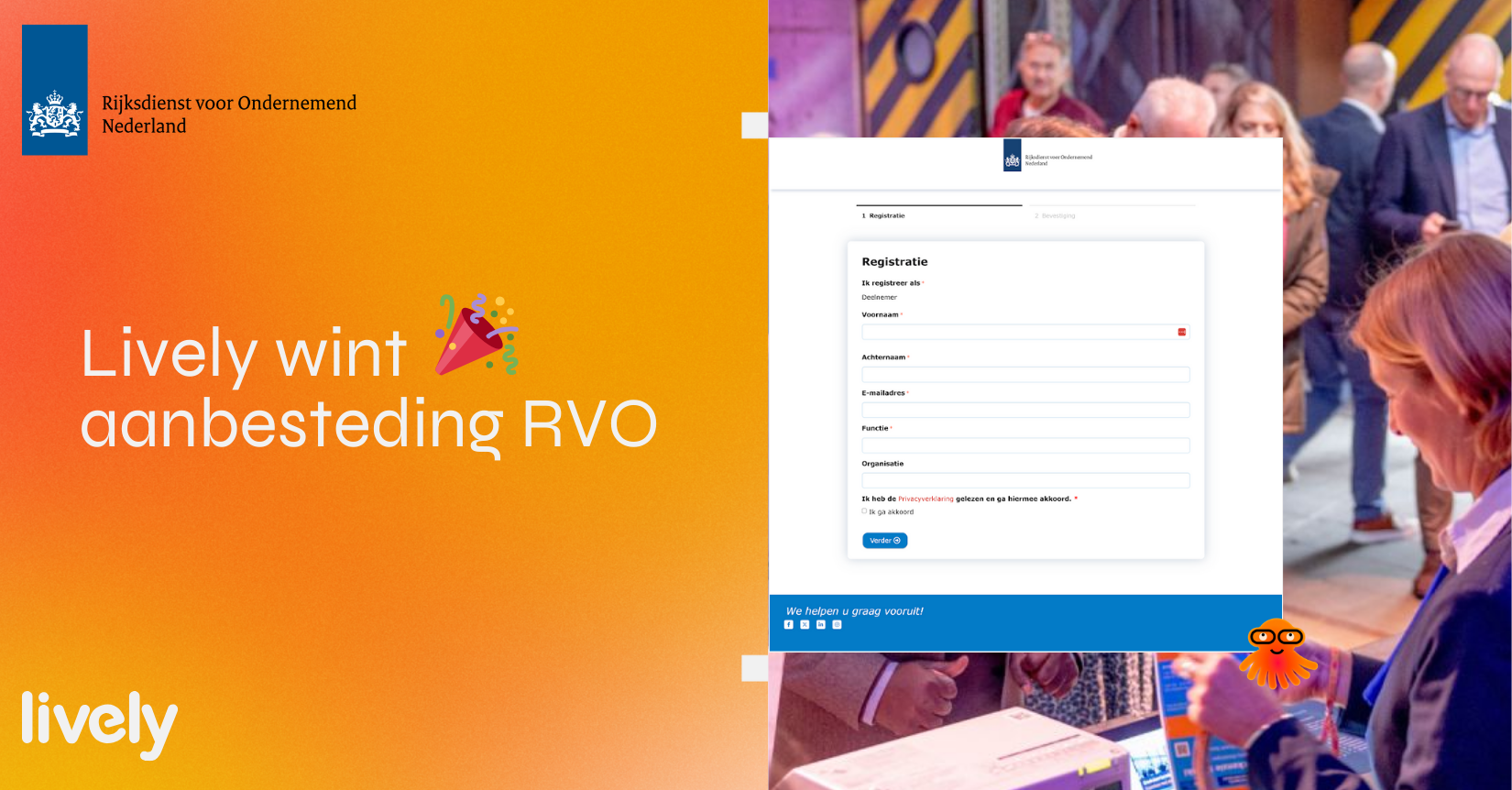
The Netherlands Enterprise Agency selected Lively for event technology following a tender. Our public announcement describes support for registration, event websites, badges, networking, data analysis and on-site services. This illustrates why the decision can extend beyond a registration form: services and delivery also belong in the assessment.
Read the announcement about our collaboration with RVO.
When is a central Swoogo foundation less suitable?
For one simple gathering without integrations or future requirements, a limited registration solution may be sufficient. If your main needs are room rental, catering planning and venue operations, the core question lies outside attendee management. If nobody internally can take responsibility for formats, data and training, you first need a management or service agreement. A licence does not solve that organisational question.
Frequently asked questions
Does every event need to use the same functions?
No. Keep the foundation consistent where possible and adapt the configuration to the format. A knowledge-sharing session does not need an app or an extensive meeting programme just because the annual conference has them.
Can we keep our CRM?
Yes, that can be part of the chosen setup. Define which contact and event data you exchange and test the intended integration. The central event platform and CRM have different roles.
Can different teams create events independently?
This requires suitable permissions, usable formats and training. During a trial, let future users set up an edition themselves and check whether access settings fit your way of working.
What should a proposal make clear?
Which software, configuration, integrations, hardware and support are included, which tasks you carry out yourself and which costs change as your event programme expands.
Map your current event tools
Want to understand which processes you could bring together? With the free Event Platformscan, you receive a personalised diagram and initial advice based on your current tools. This provides a starting point for discussion with your team. The final platform choice, configuration and integrations then require further alignment.
More Trends, developments and news